ElitePC NJ · Garfield & North Jersey
Computer & Laptop Repair in Garfield, NJ
Computer will not start, keeps crashing or no longer charges reliably? Get repair help for your desktop or laptop from ElitePC NJ, with your files and budget part of the decision.
- Repair options for desktops and laptops
- Clear choices before replacing parts
- Important files considered from the start
You do not need to know which part has failed. Start with what the computer is doing and what you need it to do again.
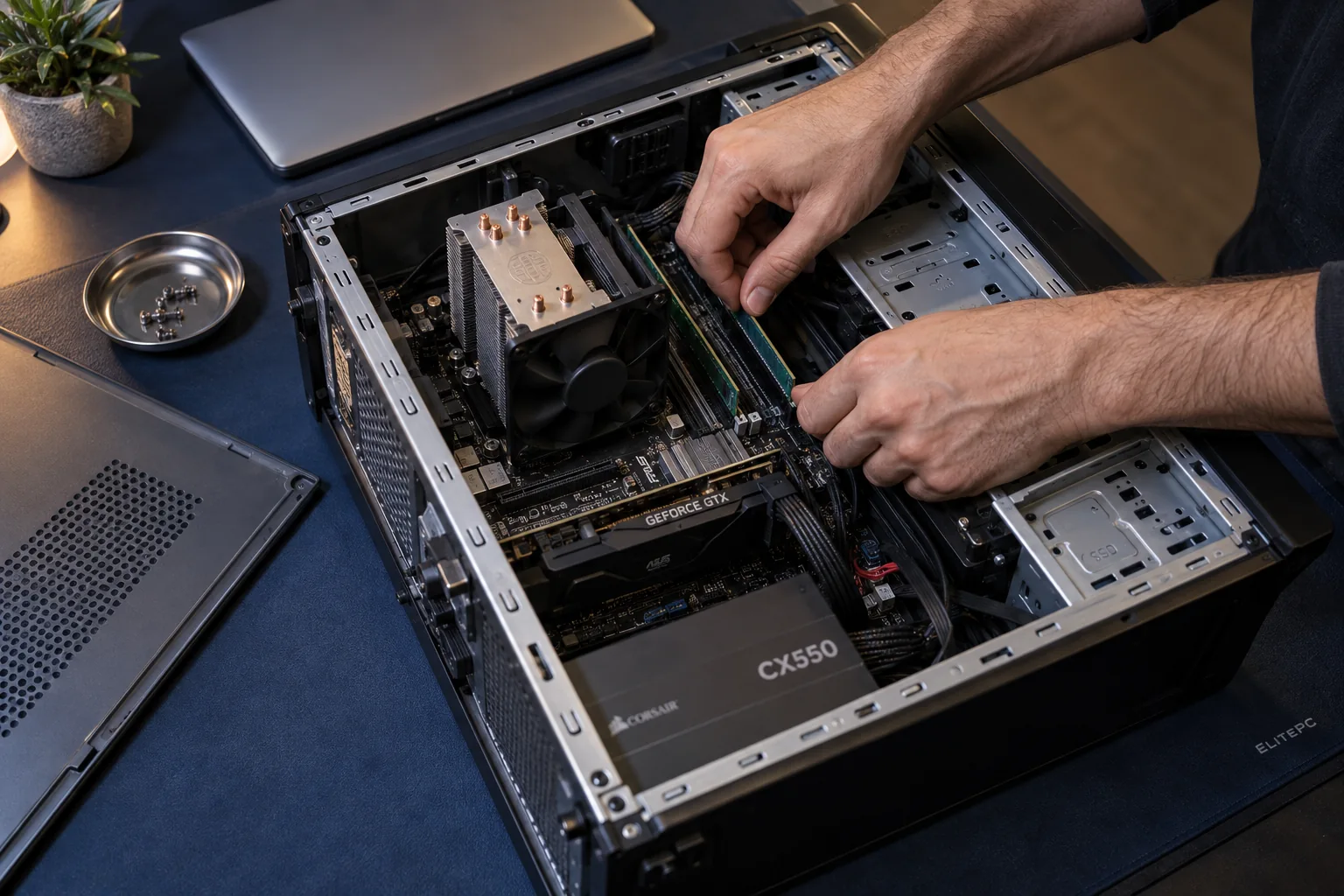
The symptoms and hardware help narrow the repair options.
Repair Help for Desktops and Laptops
Hardware faults, software problems and recent changes can cause similar symptoms. Finding the cause helps you avoid paying for a replacement part that will not solve the problem.
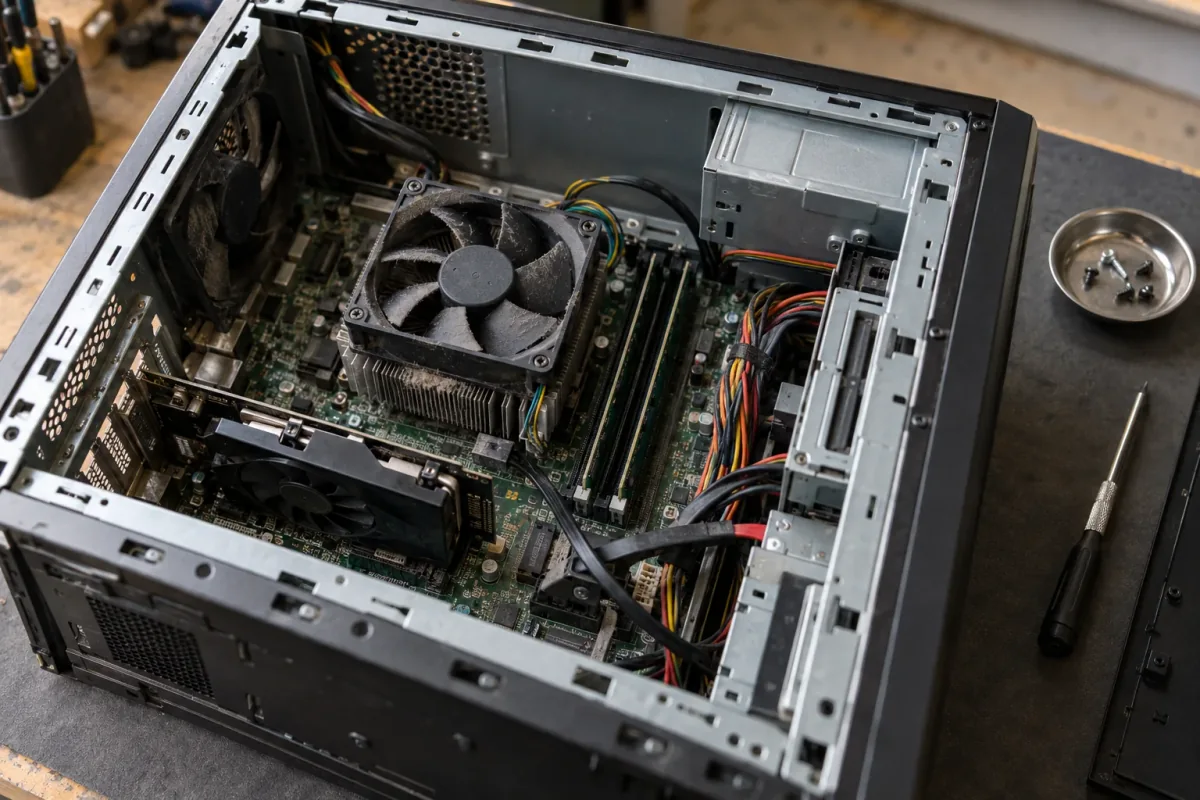
Power, display, storage and cooling problems can affect how a desktop starts and runs.
Desktop Power, Startup and Stability Problems
Get help with a desktop that will not start, freezes, crashes or restarts unexpectedly. No lights or fans, a running computer with no picture, and Windows failing to load are different starting points. None alone proves the motherboard has failed.
Crashes during games need different attention from a reliable desktop that simply needs more memory or storage. The repair or upgrade should fit the way you use your computer.
Laptop Screens, Charging and Everyday Repairs
A cracked screen, a blank display and a picture that cuts in and out can have different causes. A blank screen does not always need a new panel. We repair laptop screens, but not standalone monitors. Unreliable charging can involve the adapter, cable, socket or internal hardware, so a new charging port may not solve it.
Battery, keyboard, hinge, casing and liquid-damage repairs depend on the laptop model and the damage. The make and model help establish which repair options and suitable parts are available.
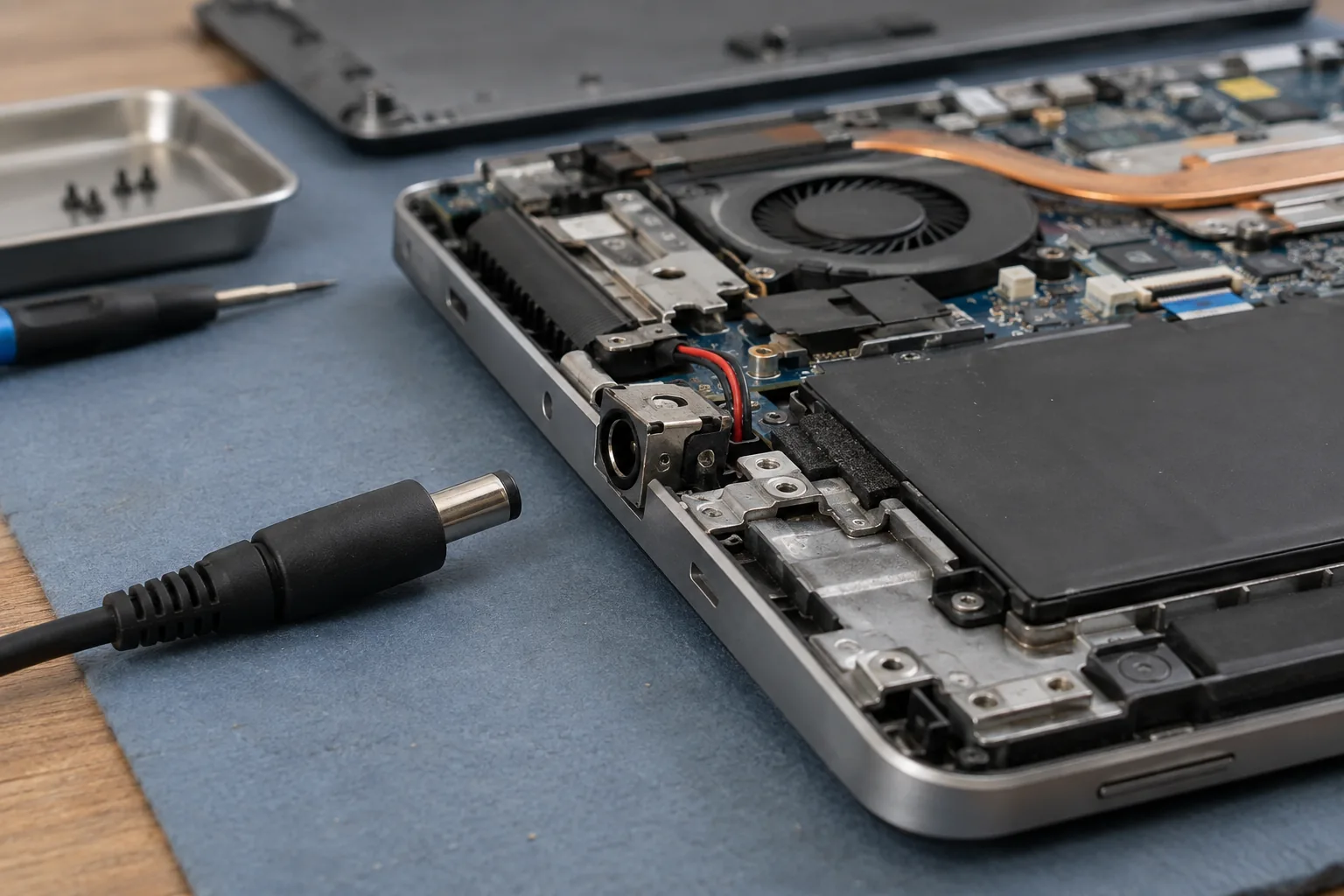
Unreliable charging can involve the adapter, socket or hardware inside the laptop.
Swollen Laptop Battery
Stop using and charging a laptop with a swollen battery. Do not press, puncture or remove the battery. Contact ElitePC before bringing the device in.
Find the Service That Fits Your Computer
Start with the problem you want solved. If several descriptions fit, mention them together in your repair request.
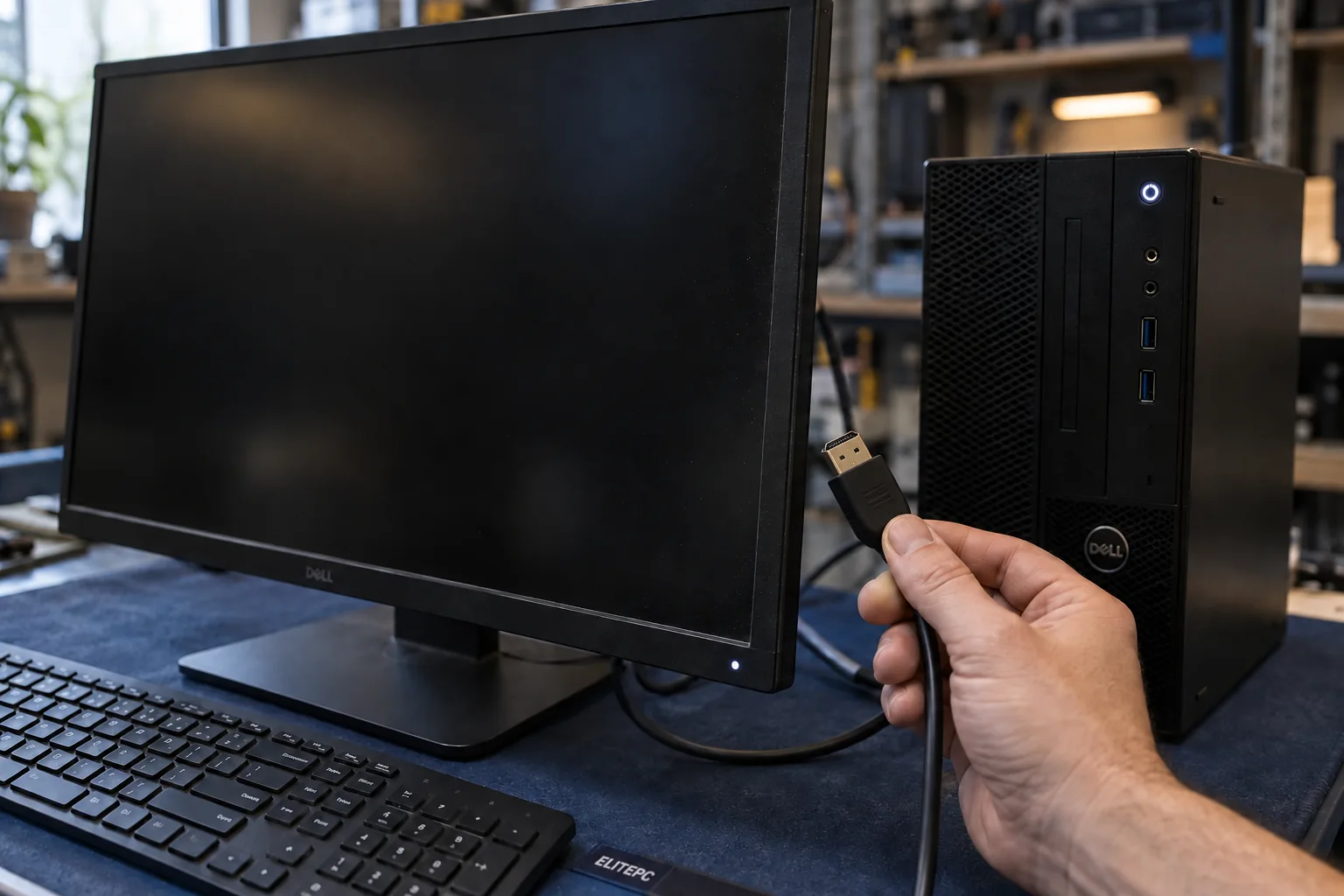
Diagnostics helps find the cause of unexplained startup failures, freezing, restarts or a blank screen, including problems that come and go, before choosing a repair.
Computer Diagnostics
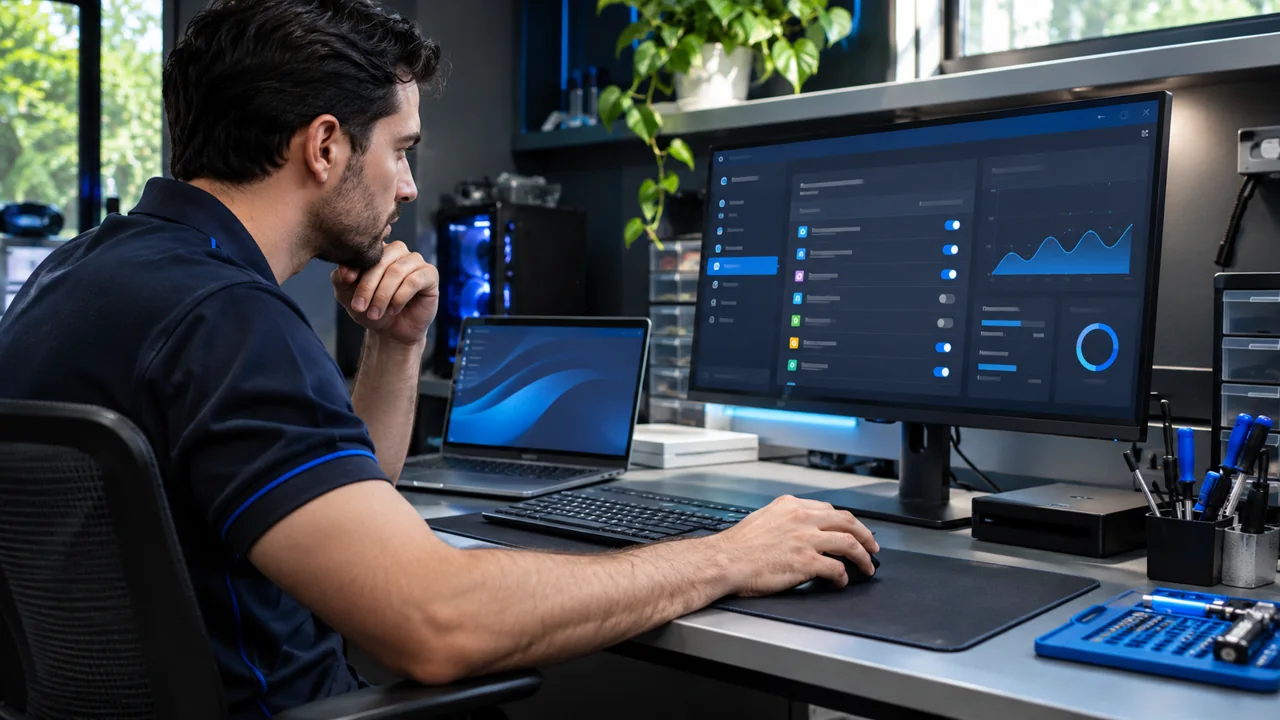
A working computer with slow startup, a sluggish browser or unnecessary background activity may suit a tune-up. Repeated crashes or suspected hardware faults need investigation first.
PC Tune-Up

Get help with suspicious warnings, browser changes and unwanted programs that return. A warning by itself does not prove the computer is infected.
Virus & Malware Removal
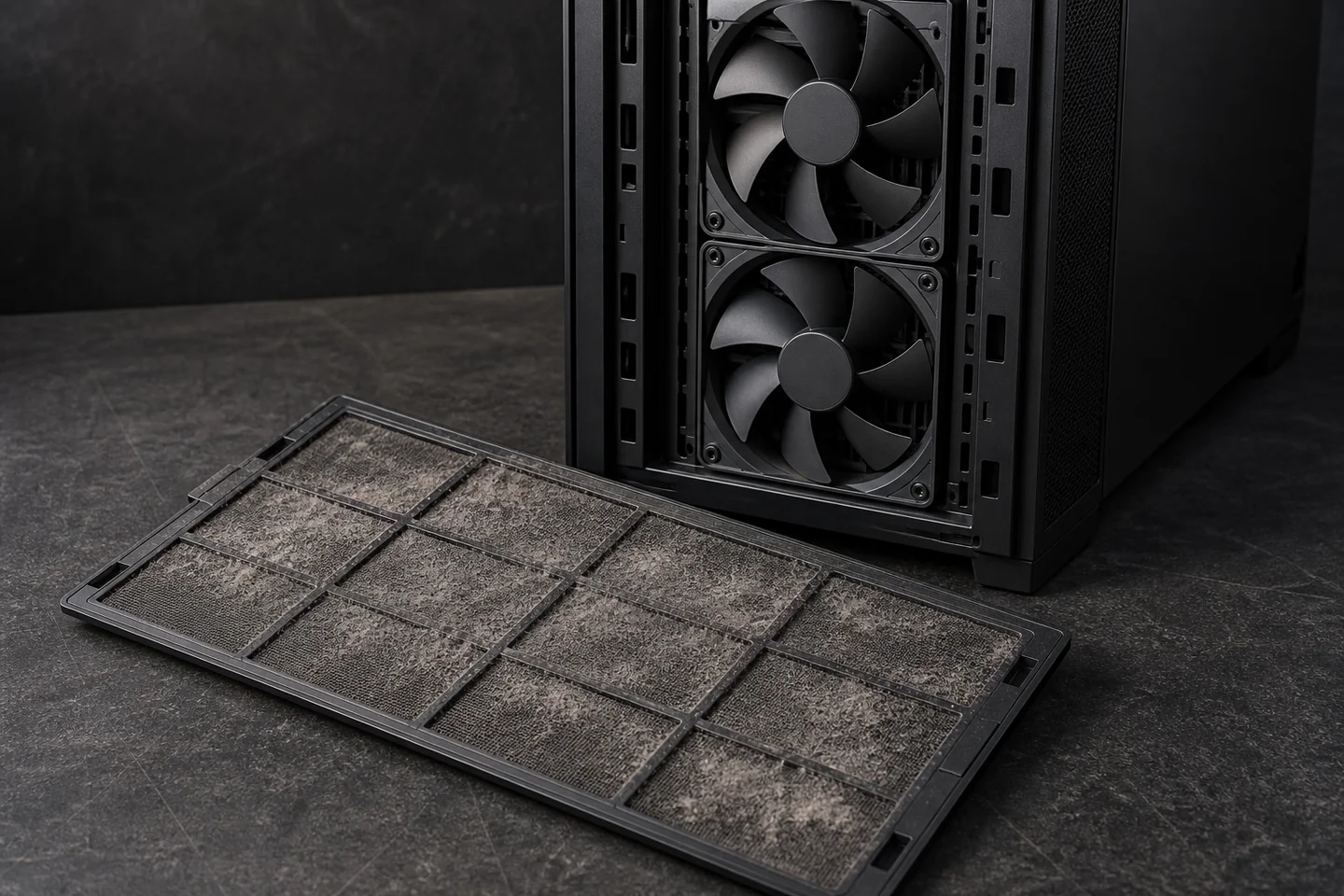
Overheating repair addresses cooling problems behind loud fans, heat-related slowdowns and shutdowns. The cause needs checking before choosing the work.
Overheating PC Repair
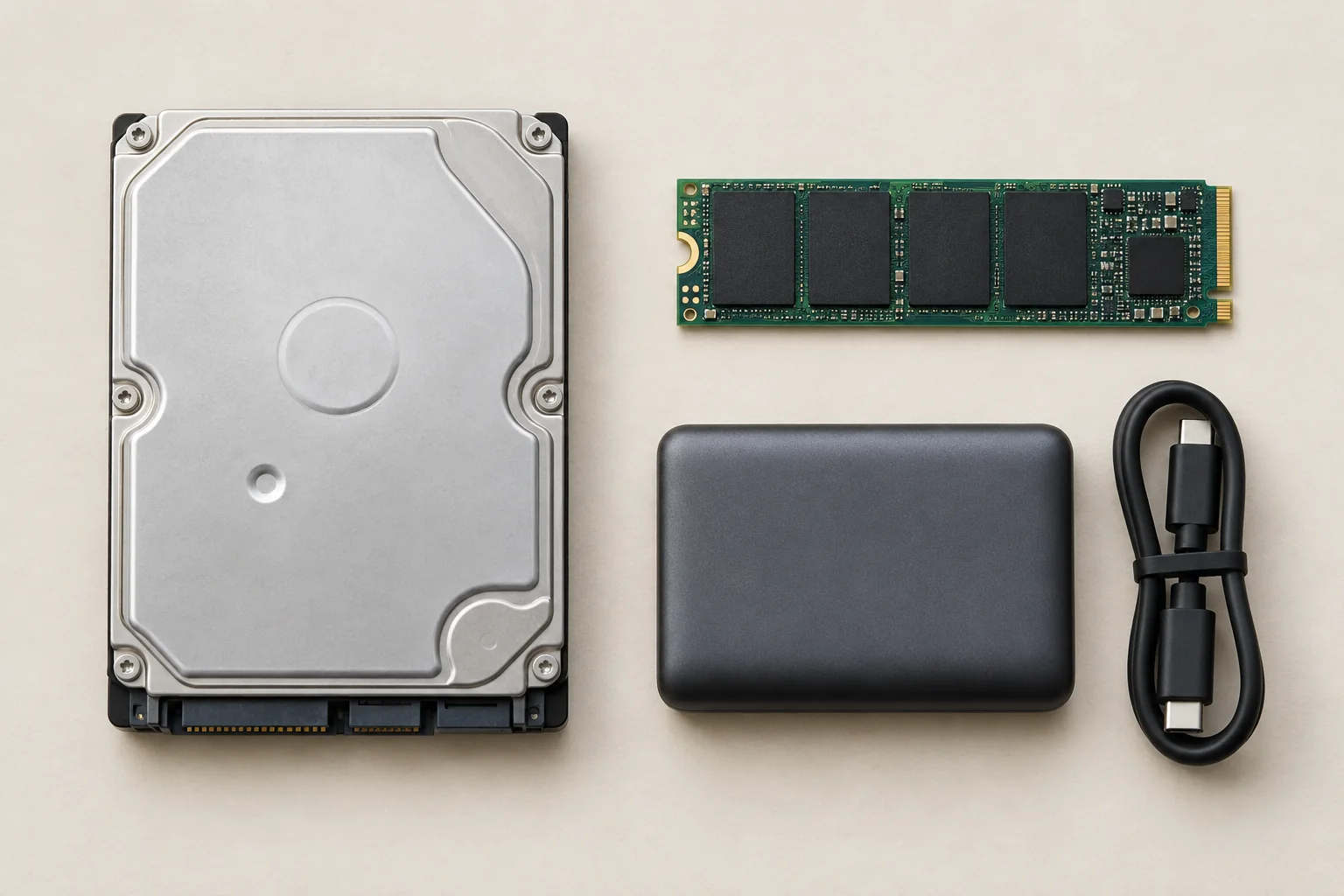
When documents, photos or business files are the priority, discuss recovery before general repair, a reset or reinstallation. Options depend on the storage and any usable backup.
Data Recovery
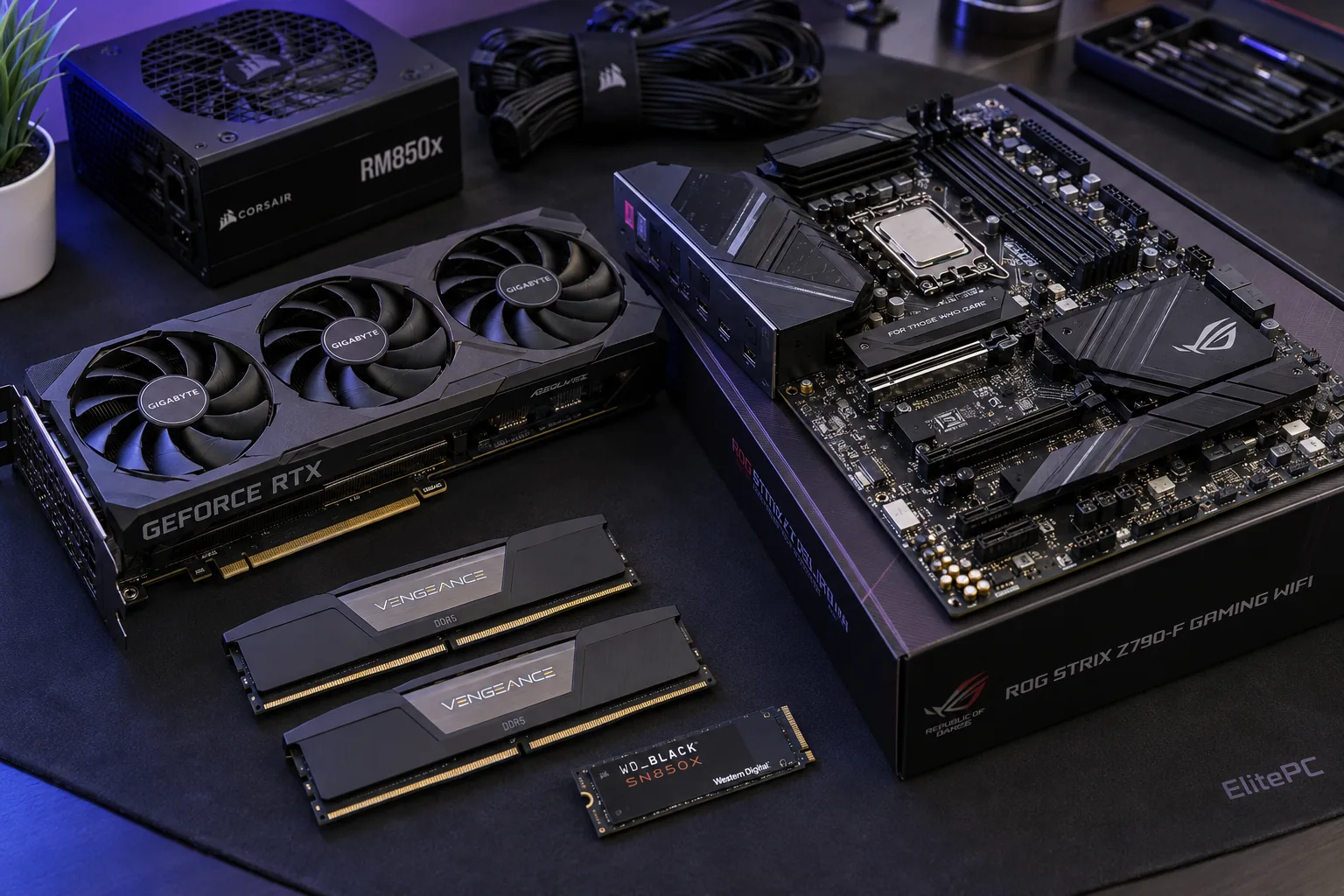
If the computer works reliably but no longer meets your needs, compatible hardware upgrades may be a better fit than repair or software cleanup.
Computer Upgrades
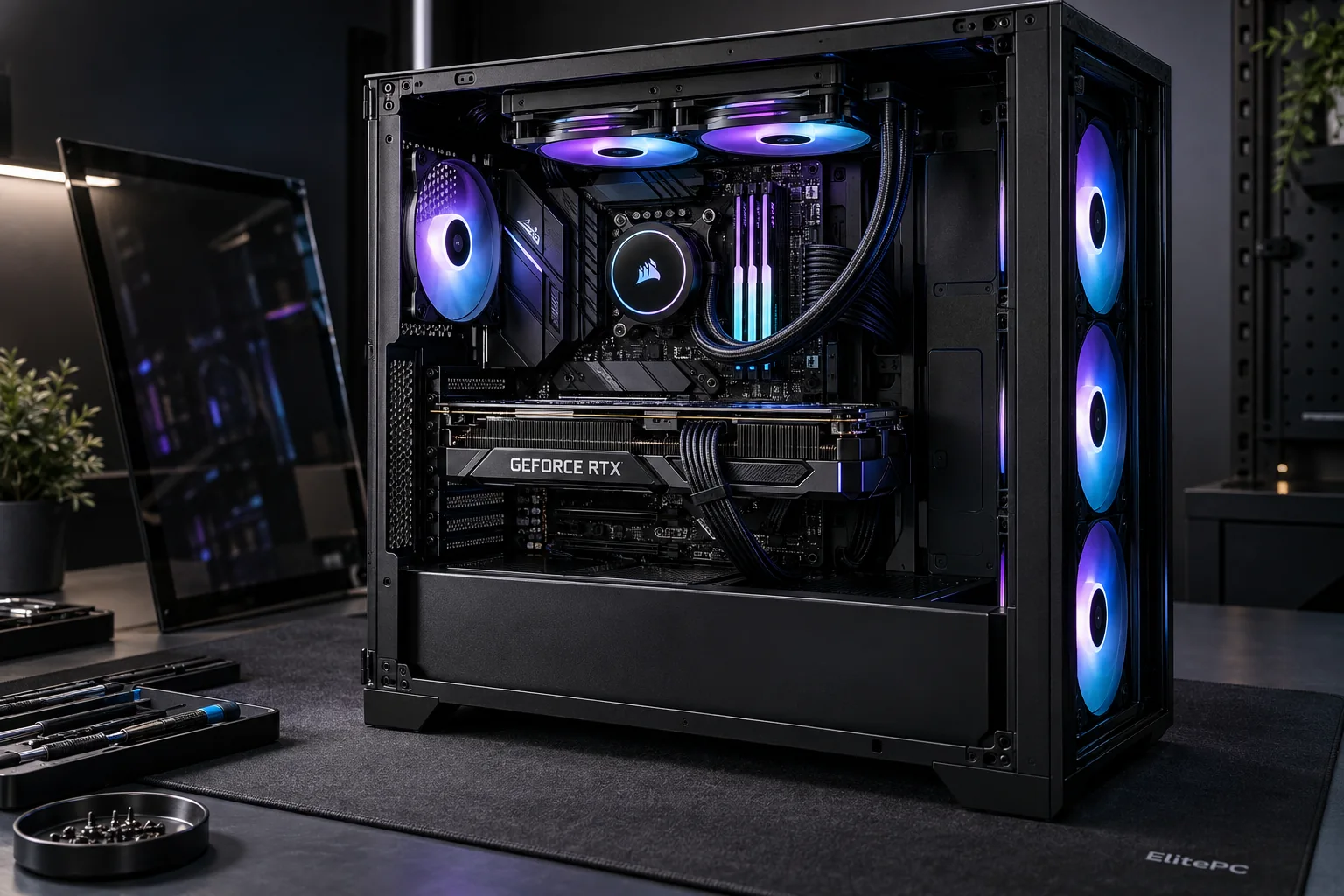
Crashes or Failures During Games
Gaming repair focuses on desktops and laptops that crash or fail during games. Improving frame rates on an otherwise reliable system is a different goal.
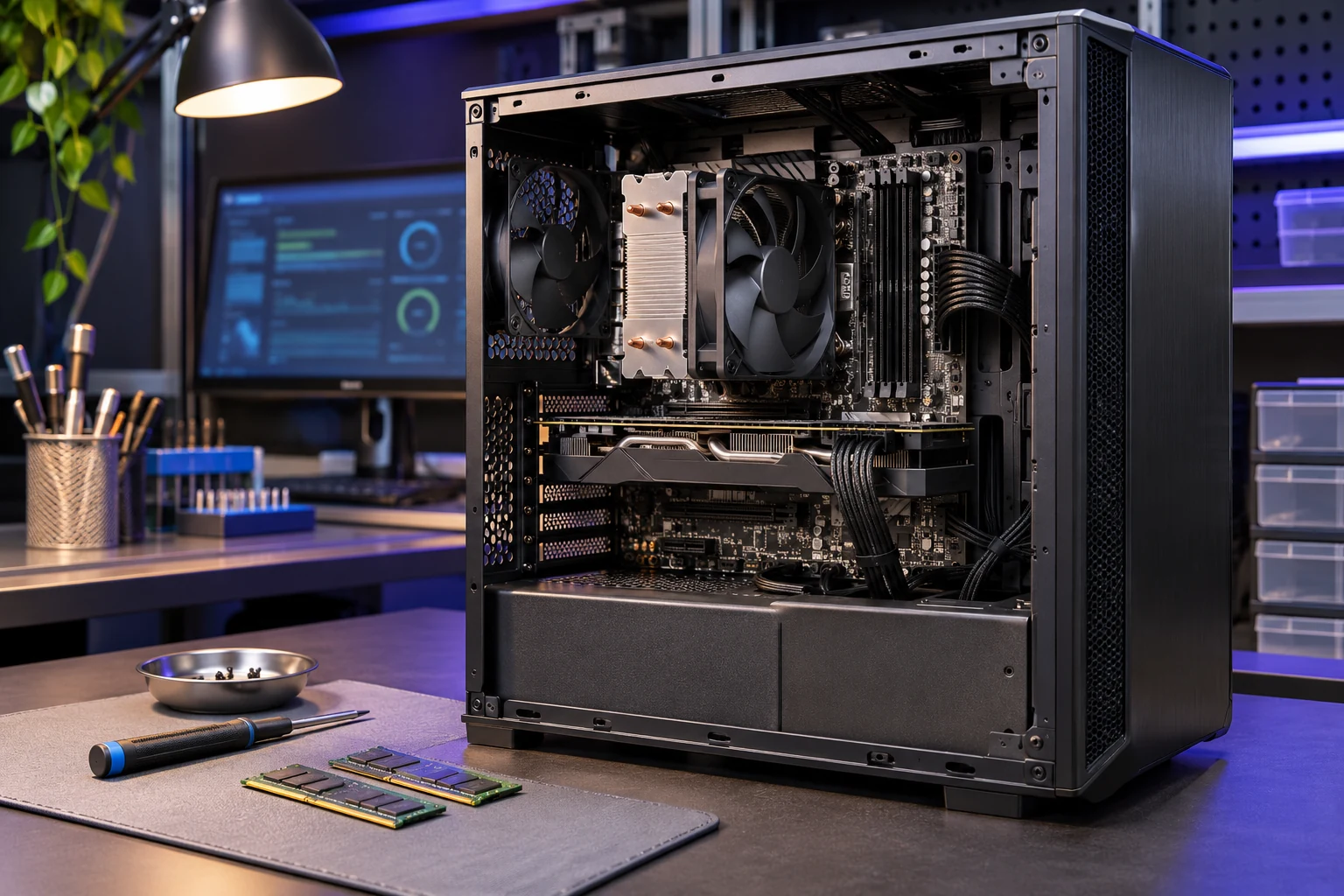
Practical help for hardware and software problems
From a computer that will not start to one that has become frustrating to use, the right next step starts with understanding the problem.
Diagnosis and troubleshooting
Investigate crashes, freezes, and unexplained behavior to identify what needs attention.
Hardware repairs
Help with damaged screens, faulty keyboards, charging problems, and other component issues.
Software troubleshooting
Address operating-system problems, application errors, and software-related instability.
Virus and malware removal
Check for unwanted software and infections that affect everyday use.
Performance upgrades
Assess whether hardware upgrades or optimization suit the computer’s needs.
Data recovery options
Explore recovery options when important files are missing or storage has failed.
Your Files Come First
When the Files Matter More Than the Computer
Your photos, documents or business files may matter more than the computer. Tell us what you need to keep, in general terms, and whether you have a usable backup.
Getting the computer working and recovering inaccessible files are separate jobs. If the storage may be failing, discuss recovery before a reset, reinstallation or other changes.
Keep passwords, recovery keys and private documents out of the request form.
Understand the Repair Before You Decide
Repair costs depend on your computer's model, the fault, any parts needed and the investigation involved. An initial inquiry, diagnostic work and the repair are separate steps.
1
Tell Us What Is Wrong
Start with the make and model, what happens and when it began. Recent changes, error messages and backup status help explain the problem.
2
Find Out What Needs Repair
Some faults need testing before the repair can be priced. What the testing covers and any charge should be clear before it begins.
3
Review the Repair and Cost
Review the findings, recommended work, parts and total cost, including anything still uncertain. Parts availability and testing affect the timing.
4
Approve the Work You Want
You choose which work to approve before repairs begin. Review any data access, software removal, reset or reinstallation separately, along with the checks and follow-up included.
How Diagnosis Fits the Repair
Diagnosis is included when you approve the repair and that repair is performed. A diagnostic charge applies if you decline the repair after diagnosis.
Repair, Replace or Recover the Files?
Age alone does not decide whether a computer is worth repairing. Compare its condition, the fault, parts availability, supported software and the complete quote with what you need it to do.
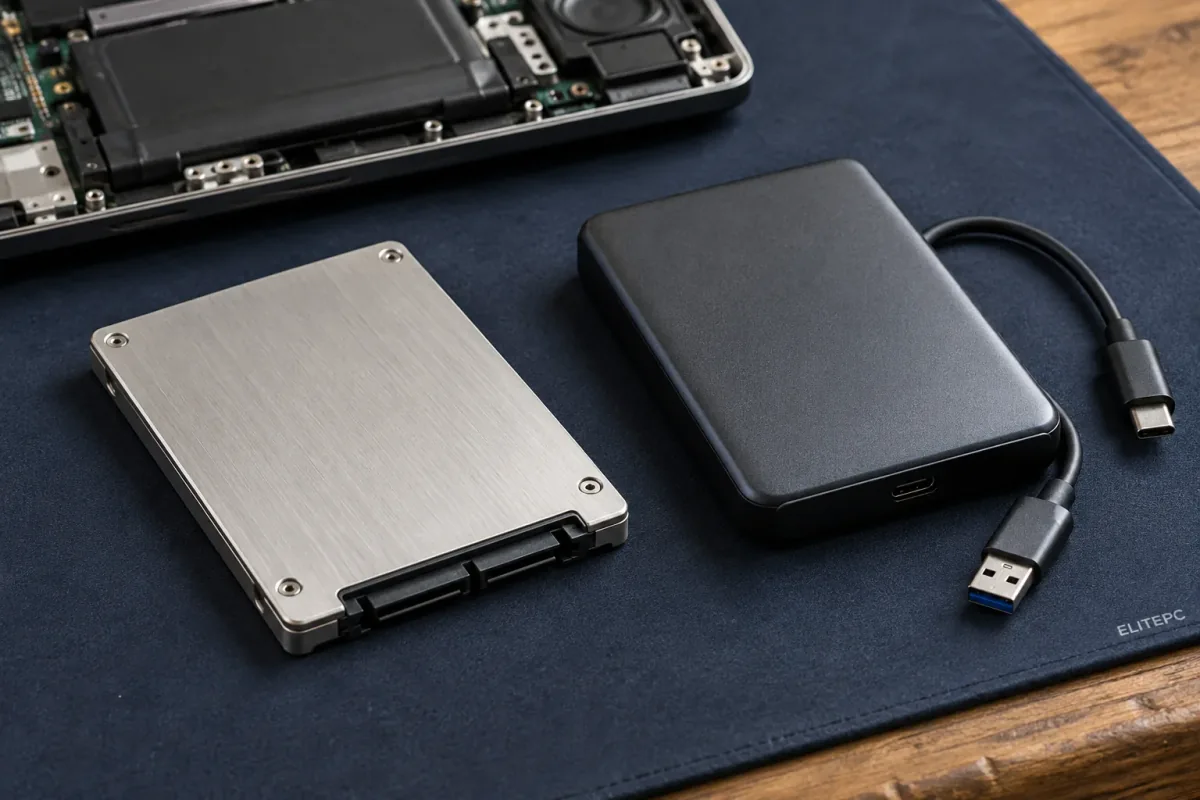
Getting a computer working and recovering its files are separate priorities.
Repair a Computer That Still Fits
Repair can make sense when it addresses the fault and the computer still meets your needs. Other known problems and anything still uncertain also matter.
Replace When Repair Is Poor Value
Replacement may be a better investment if repair options are limited or the computer would still struggle with your work. Moving files and setting up software also count toward the cost of switching.
Recover What You Need to Keep
Files can remain valuable even when the computer is not worth fixing. Recovery options depend on the storage's condition and available backups, not the value of the computer alone.
Computer Repair Questions
Do I Need to Choose a Repair Service First?
No. Describe your computer and the problem, and we can help you choose the next step. That may mean investigating an unknown fault or looking at a screen, charging or other repair.
Does a Blank Laptop Screen Need Replacing?
Not necessarily. Visible panel damage is different from a powered-on laptop with no picture. Connections, other hardware or startup problems can produce a blank display, so the cause needs checking before choosing parts.
Will My Computer Need Windows Reinstalled?
Not every repair requires a reinstall. Hardware repair, software troubleshooting and reinstallation are different choices. If a reset or reinstall is recommended, discuss files, applications, settings and backups first. Even a reset that keeps personal files can remove apps and settings.
Can Repair Help Be Remote or On-Site?
Some software problems on a working, accessible computer may suit remote support. A computer with no power or damaged hardware needs hands-on attention. On-site help depends on your location and the work needed. For an employer-managed computer, involve your IT contact before authorizing access or changes.
Request Computer Repair Help in Garfield
Tell us what is wrong and what you need to get back to, whether that is home use, school or running a business.
ElitePC NJ is based in Garfield and serves Bergen County, Passaic County and North Jersey. Visits and drop-offs are by appointment. Send your request and confirm arrangements with ElitePC before traveling.
Helpful Details for Your Request
- Computer make and model
- What happens and when it started
- Recent changes or error messages
- Important files and backup status
- For a work computer, who can approve the work and whether other devices are affected
Do not send passwords, recovery keys or private documents.