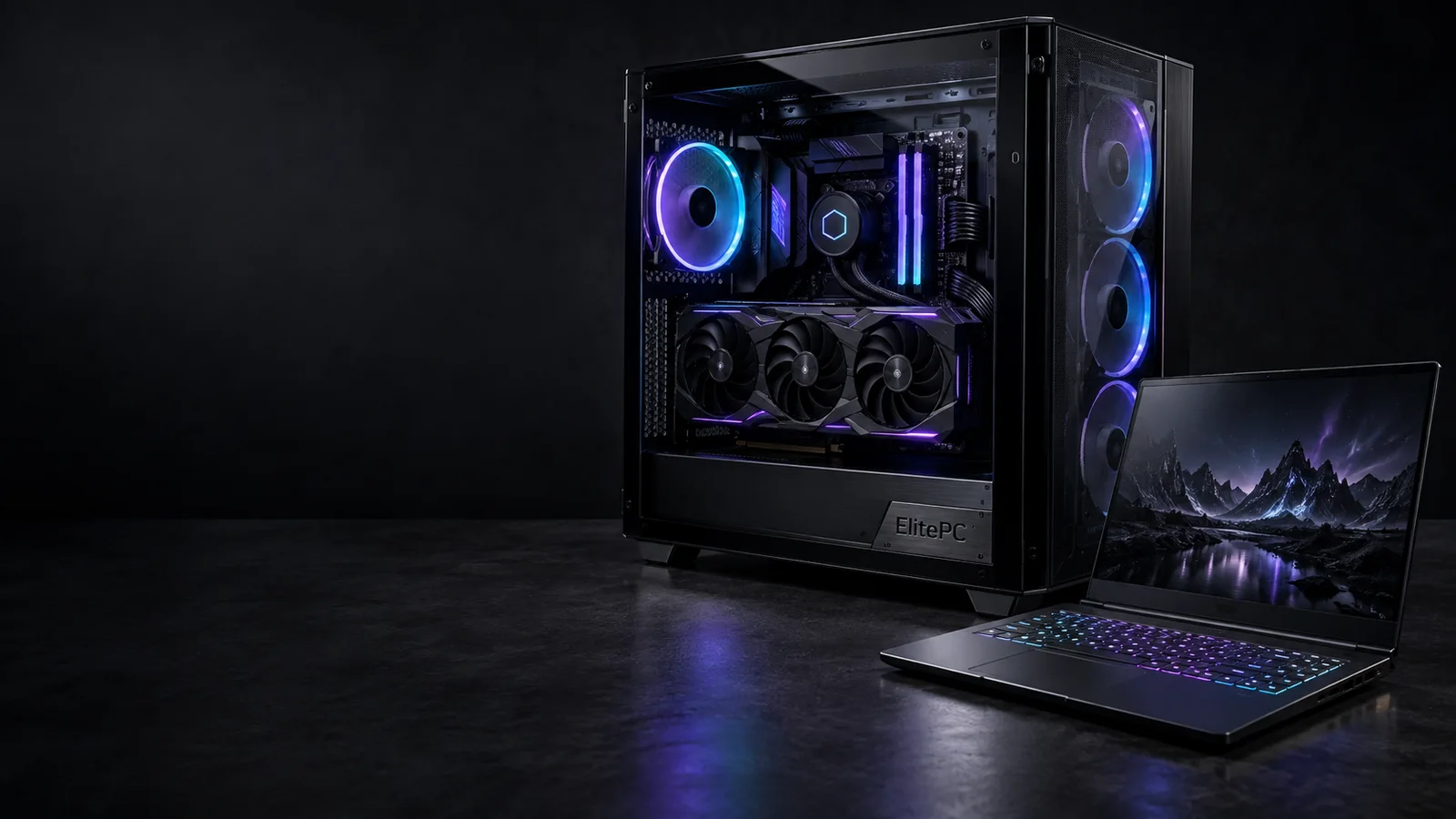
Gaming desktops and laptops. Different systems, the right starting point.
ElitePC NJ / Desktop + laptop
Gaming PC Services in North Jersey
Gaming PC repair, performance tuning and custom builds in North Jersey. Get help with the system you own or plan one around your games and work.
You don’t need to know which part failed. Tell us what happens or what you want to improve.
- Gaming Desktop & Laptop Repair
- Performance Tuning & Compatible Upgrades
- Custom PC Builds for Gaming & Work
Service by confirmed appointment.
Choose Your Service
Choose Your Gaming PC Service
Start with what you’re experiencing. These gaming computer services cover different needs, and you don’t need to identify a failed part before asking for help.
It won’t work reliably
Get help with a gaming desktop that won’t turn on, crashes in games, restarts, freezes or loses its display. We investigate the fault before recommending replacement parts.
Desktop faults + troubleshooting
The problem is on a laptop
Get help with gaming laptop startup, overheating, charging, battery, screen or keyboard problems. We check your model and the available repair options.
Portable systems + model-specific needs
It runs, but games fall short
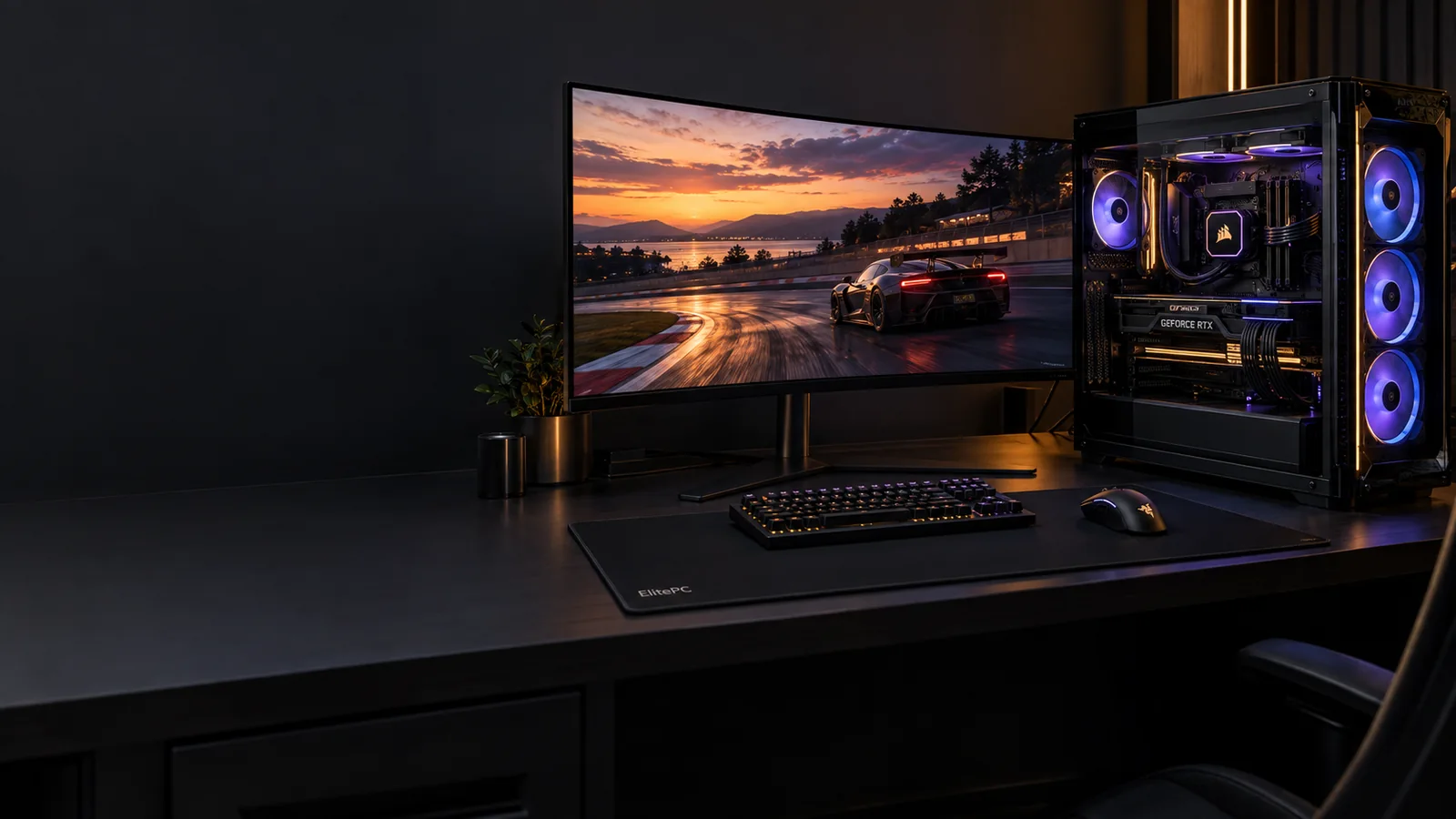
Improve a working gaming PC that struggles with low FPS, stutter or uneven gameplay. We look at settings, background software and hardware limits before recommending changes.
Frame rate + frame consistency
You’re planning a new computer
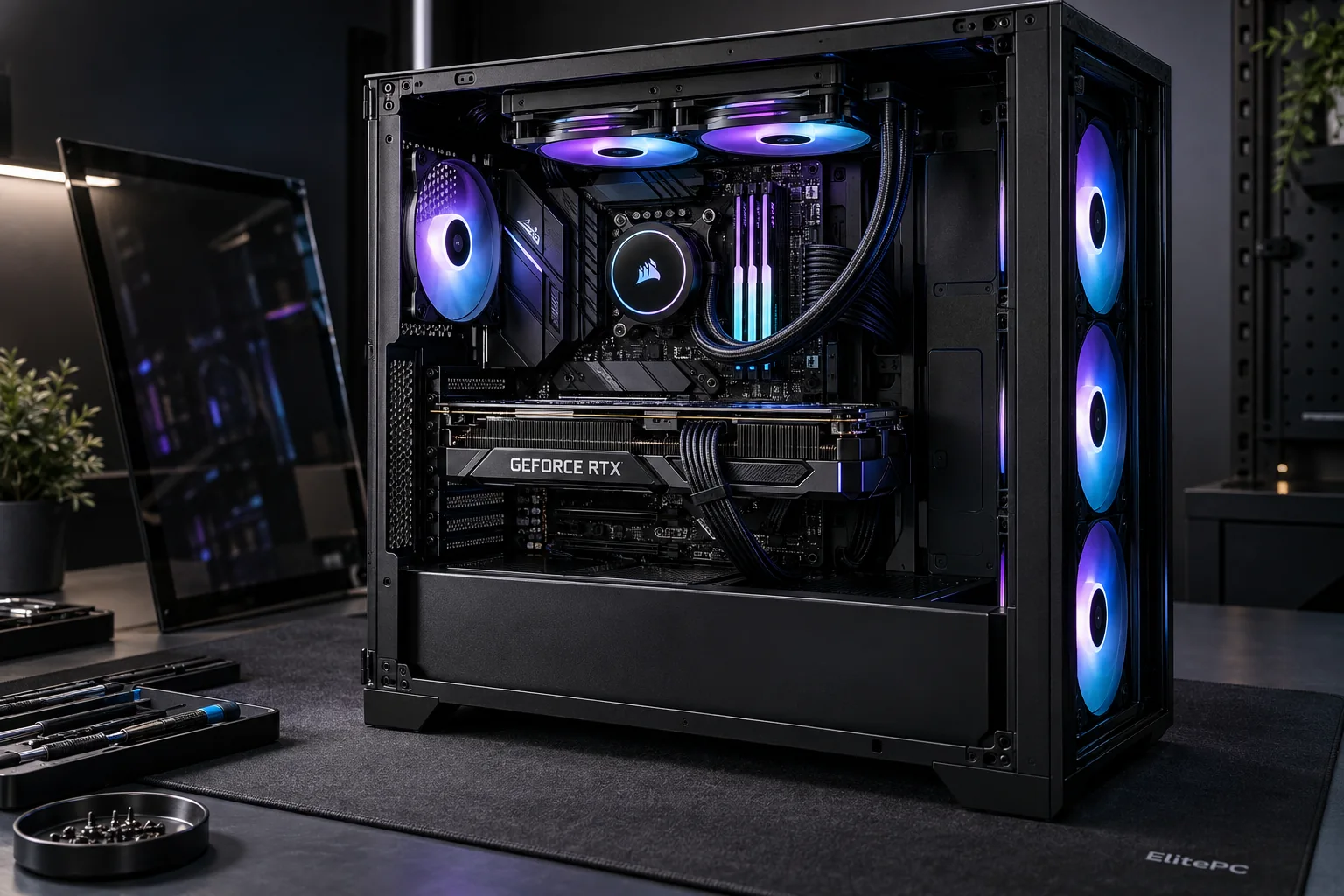
Plan a custom computer for your games, work applications and budget. Get help choosing compatible parts and arranging professional assembly and setup.
Gaming, professional + personal use
Better hardware in your current PC
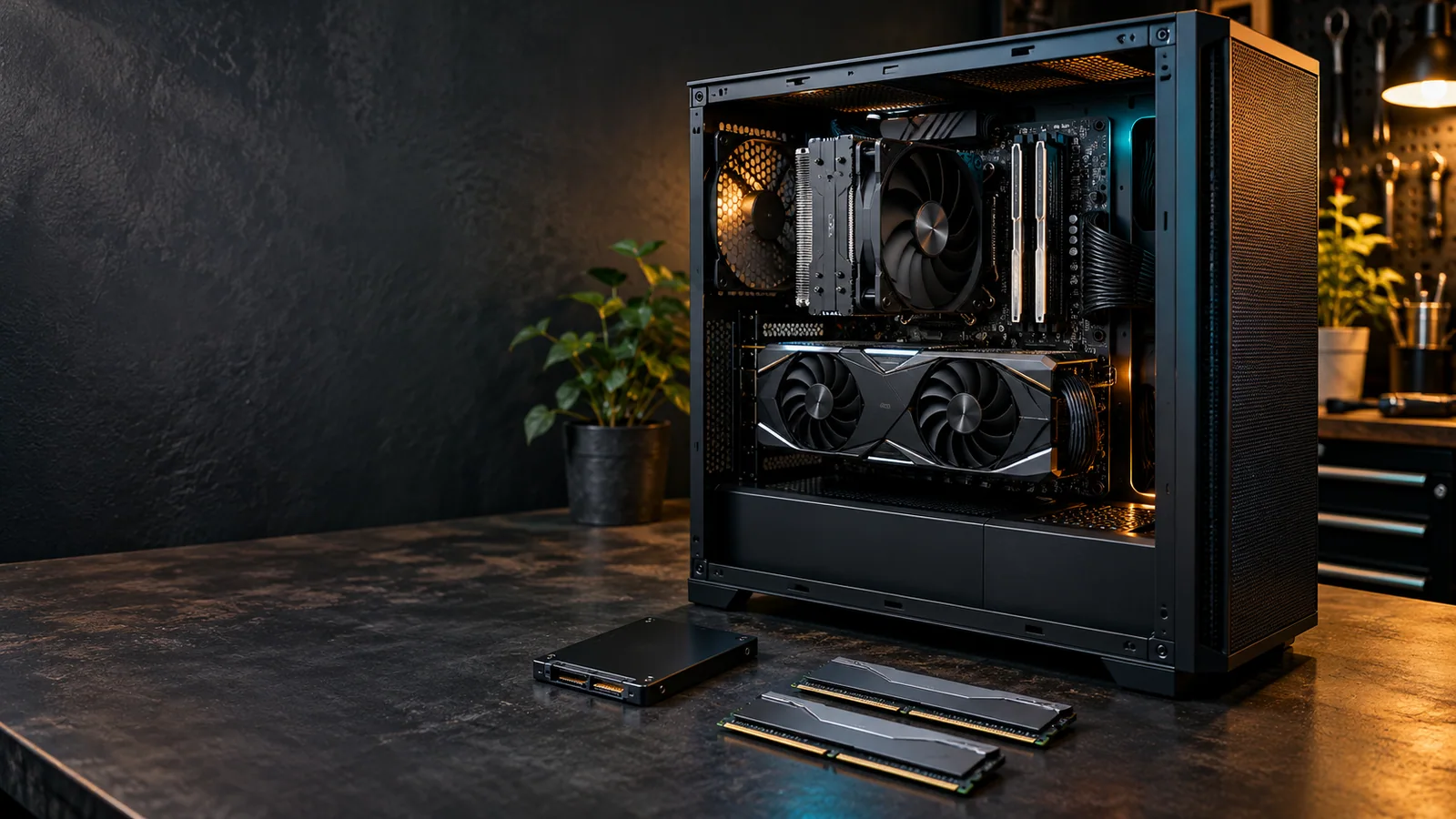
Upgrade your graphics card, processor, RAM or storage where compatible. We check power requirements, case space and your existing hardware before recommending parts.
Heat or cooling needs attention
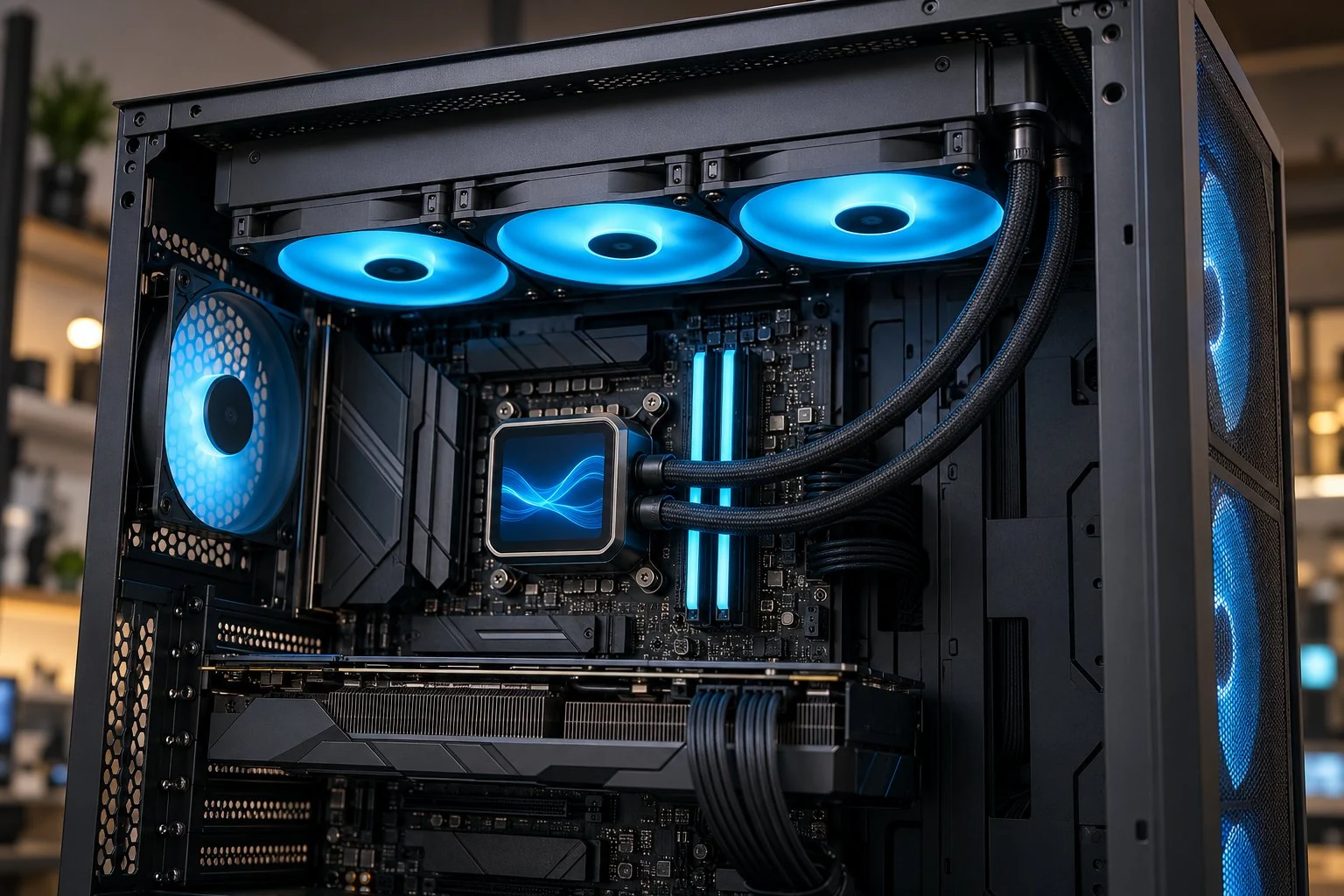
Get overheating and cooling problems checked before they interrupt your games. We investigate temperature warnings, shutdowns and unusual fan behavior rather than assuming every noisy fan needs replacing.
Still not sure what’s wrong? Describe the symptoms in your request, or explore how fault assessment works.
Recognize the Problem
Gaming PC Repair for Startup & Gaming Faults
Know What Needs Attention
- Understand whether hardware, software, power or cooling needs attention.
- Compare repair options before buying replacement parts.
- Separate a fault from a performance-tuning need.
A PC may run Windows normally yet fail in a game. A black screen or shutdown is a clue, not a diagnosis of a faulty graphics card or power supply.
Custom-built or prebuilt? Both can have model or component constraints. You can ask about the fault without a complete parts list.
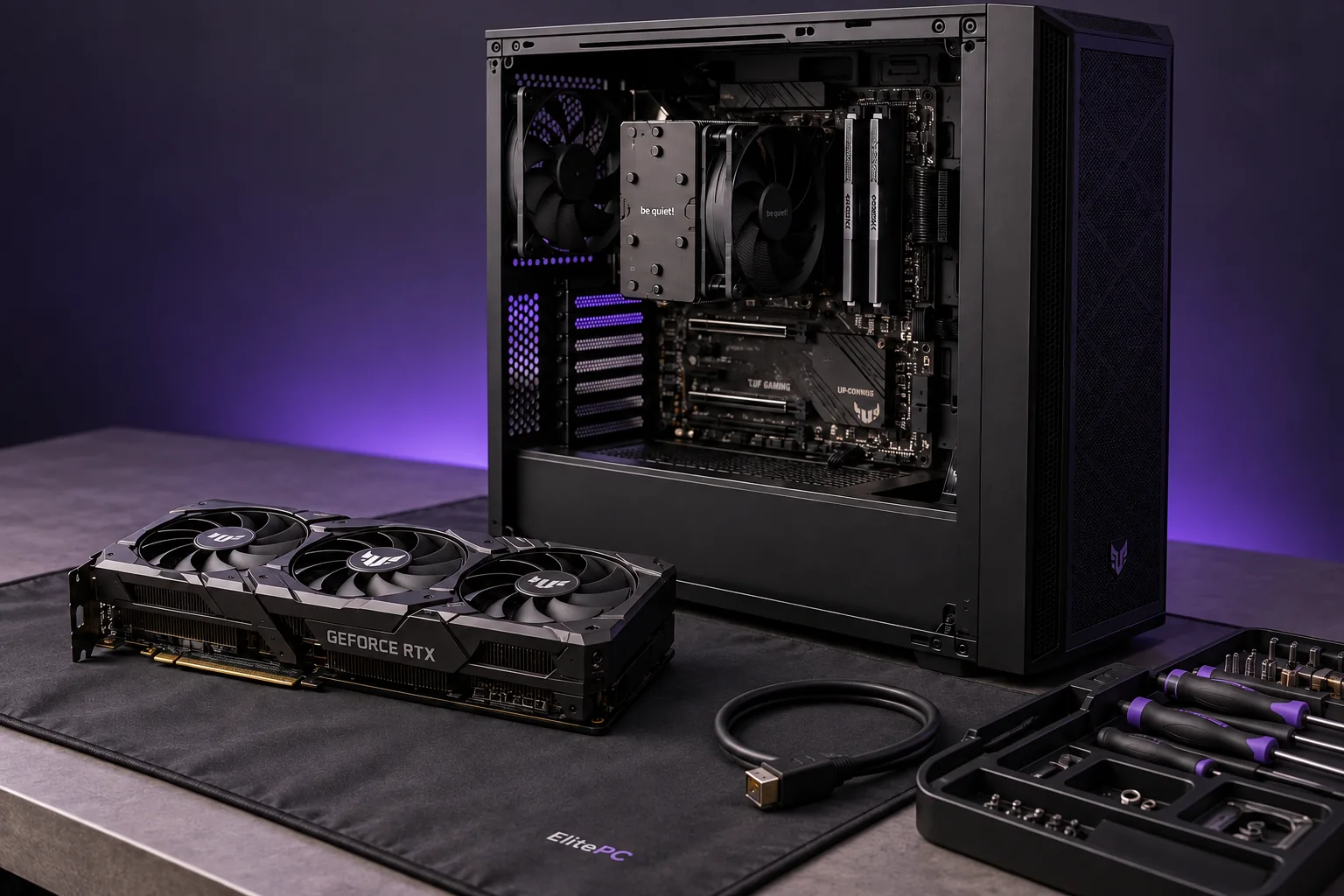
Startup, display and gaming-load faults call for different checks.
Gaming PC Won’t Start or Has No Display
No response, brief power followed by shutdown, and a PC that stays on without a picture are different startup faults. Where startup stops guides the checks.
Crashes, Freezes or Restarts While Gaming
A fault may appear only after a game has been running or after a hardware, driver or software change. Working at idle does not rule out a problem under gaming load.
Overheating & Unusual Fan Noise
Excess heat can make hardware slow itself down, known as thermal throttling. Temperature warnings, shutdowns and changing fan noise help guide the assessment. For graphics-card heat problems, see GPU Overheating Repair.
Understand the Options
Repair, Optimize, Upgrade or Build a New PC?
The right choice depends on the computer’s condition, your performance goal, compatibility and budget. A new part is not always the first answer.
Your starting point
The decision to make
Where to start
The system is failing
No startup, crashes or lost display
Identify the fault and repair options before planning an upgrade. Repeated crashes or shutdowns belong in repair assessment.
Games run, but feel uneven
Low FPS, stutter or poor responsiveness
Review game settings, drivers and background software, then check what limits the game. FPS means frames per second; how evenly those frames arrive also affects smoothness. The hardware, game and settings all matter.
You want to keep the PC
A specific hardware limitation or new goal
Compare compatible improvements with what can be reused. An SSD (solid-state drive) can help with storage space and loading times, but it does not solve every frame-rate problem.
You’re ready for a new system
A different workload, platform or overall plan
Compare a new build with improving the existing computer. Games, work, budget, noise preferences and space should shape the discussion.
If stutter comes with hard freezes, repeated crashes or abnormal heat, mention that first. The fault or cooling issue may need attention before performance tuning.
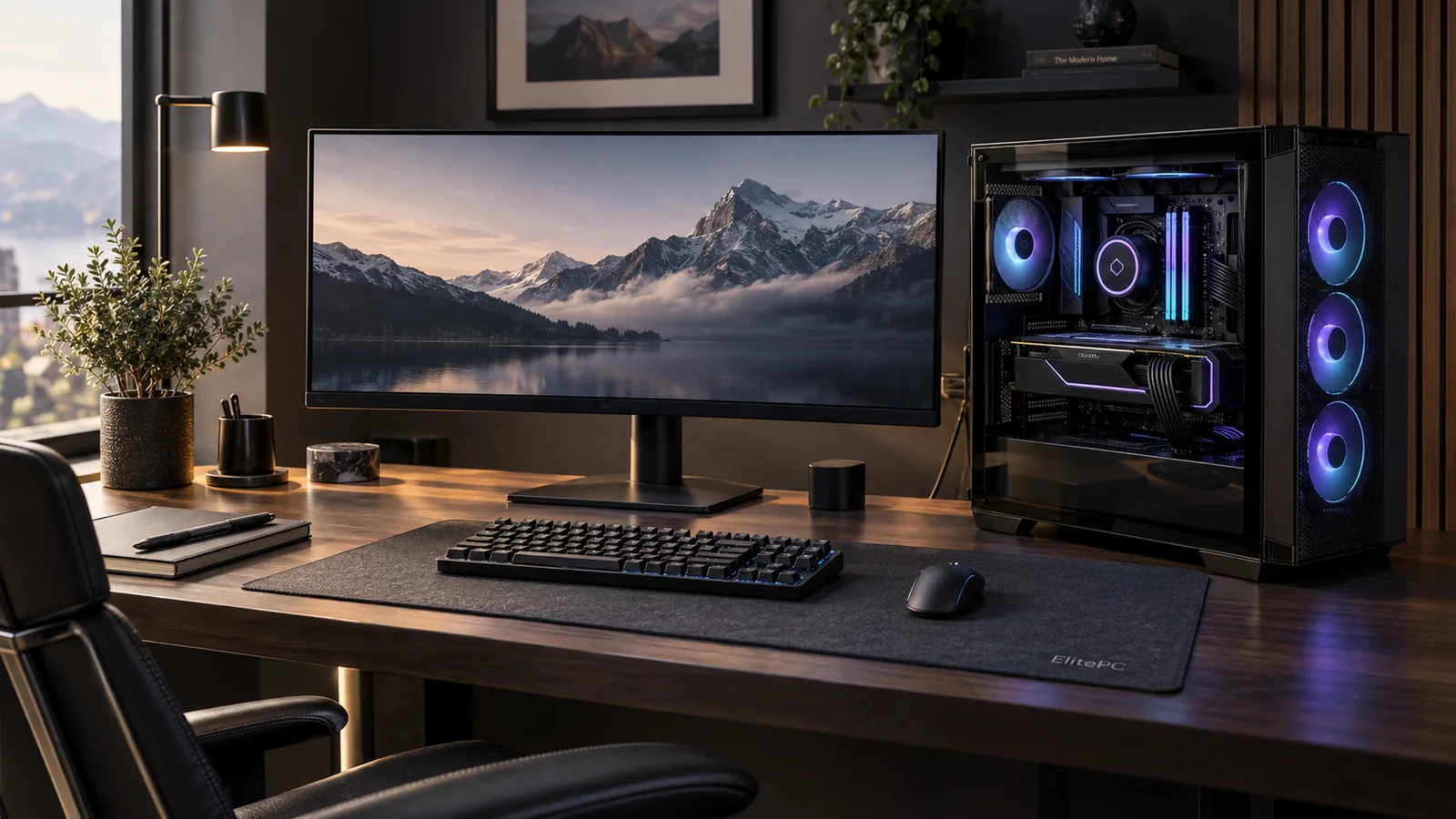
Games, work applications and everyday tasks can share one computer.
One computer. More than one role.
Can I Use a Gaming Computer for Work?
Yes. One computer can handle gaming, professional applications and everyday tasks when its hardware meets those needs. Your games and work software may place different demands on the processor, graphics, memory and storage.
Include both uses in the discussion, especially if a change must preserve the way your work applications run. ElitePC’s Custom Computers service covers gaming, professional and personal systems together.
Build, Upgrade & Maintain
Gaming PC Upgrades, Assembly & Maintenance
Not every request starts with a broken computer. We can help you improve an existing gaming PC, assemble a new one or look after the hardware you already own.
Upgrade & Build
Hardware Upgrades for Your Games & Work
Want higher FPS, smoother multitasking or more room for games and projects? Compare graphics card, CPU, RAM and SSD upgrades against power, space and compatibility.
A newer CPU platform may need a different motherboard and memory too. See Computer Upgrades to compare what you can keep.
Parts Selection & PC Assembly
You buy the parts directly; our separate quote covers the agreed assembly and setup. We help choose a compatible list and assemble the PC. Already own components? Send the list before buying more so we can review the work needed.
Games, work applications, budget, case size and noise guide the plan. Explore Custom Computers.
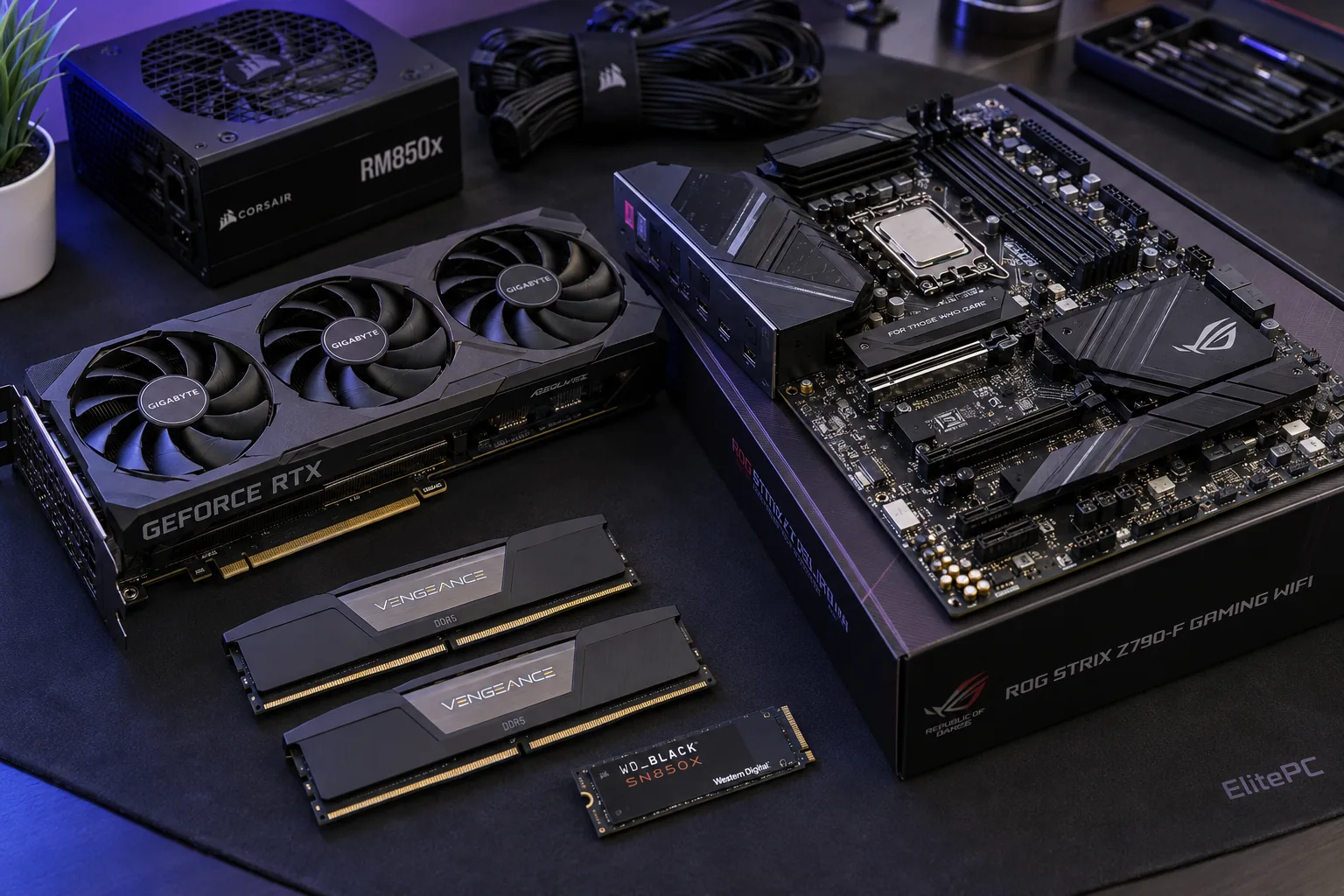
Compatible Parts. One Complete System.
Maintain & Refine
PC Cleaning & Thermal Maintenance
Dust in filters, fans and heatsinks can restrict airflow. PC Cleaning & Dust Removal addresses a system that needs an internal clean.
Thermal Paste Replacement may help when inspection finds a heat-transfer problem. It is not the answer to every hot or noisy PC.
Cooling, Fan Noise & RGB Lighting
PC Cooling Upgrades can address a working desktop’s cooling or fan-noise needs. Options include compatible CPU air coolers, sealed AIO liquid coolers and case fans, matched to fit and airflow.
For RGB lighting or a different look, include the goal in your upgrade or new-build plan so parts and controls can be checked together.
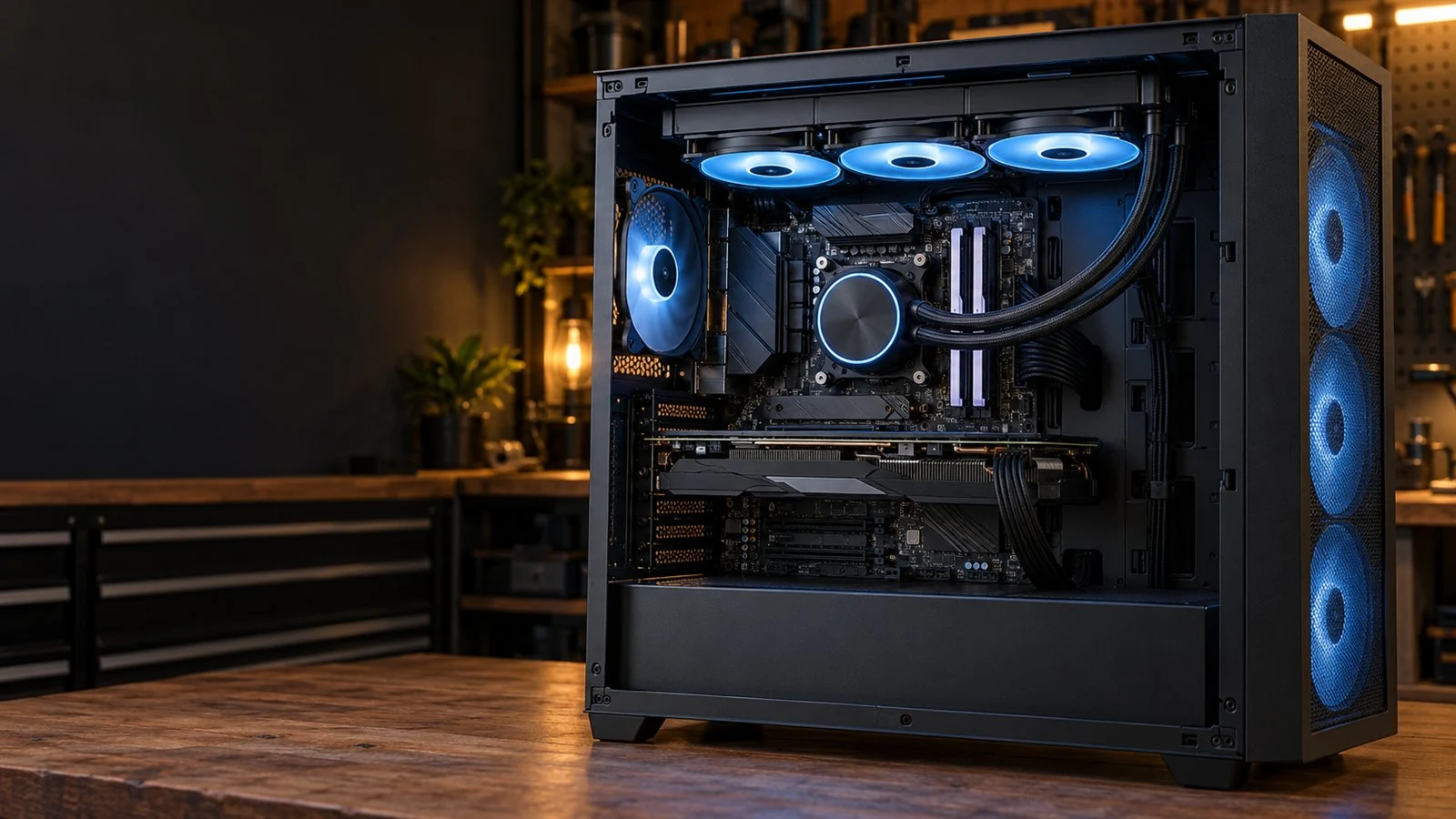
Cooling, Airflow & RGB
Know Your System
Gaming Desktop or Laptop: What Changes?
The symptom may sound similar. The hardware and repair options can be very different.
Choose the device you own. You don’t need to open the case or identify an internal component before asking for help.
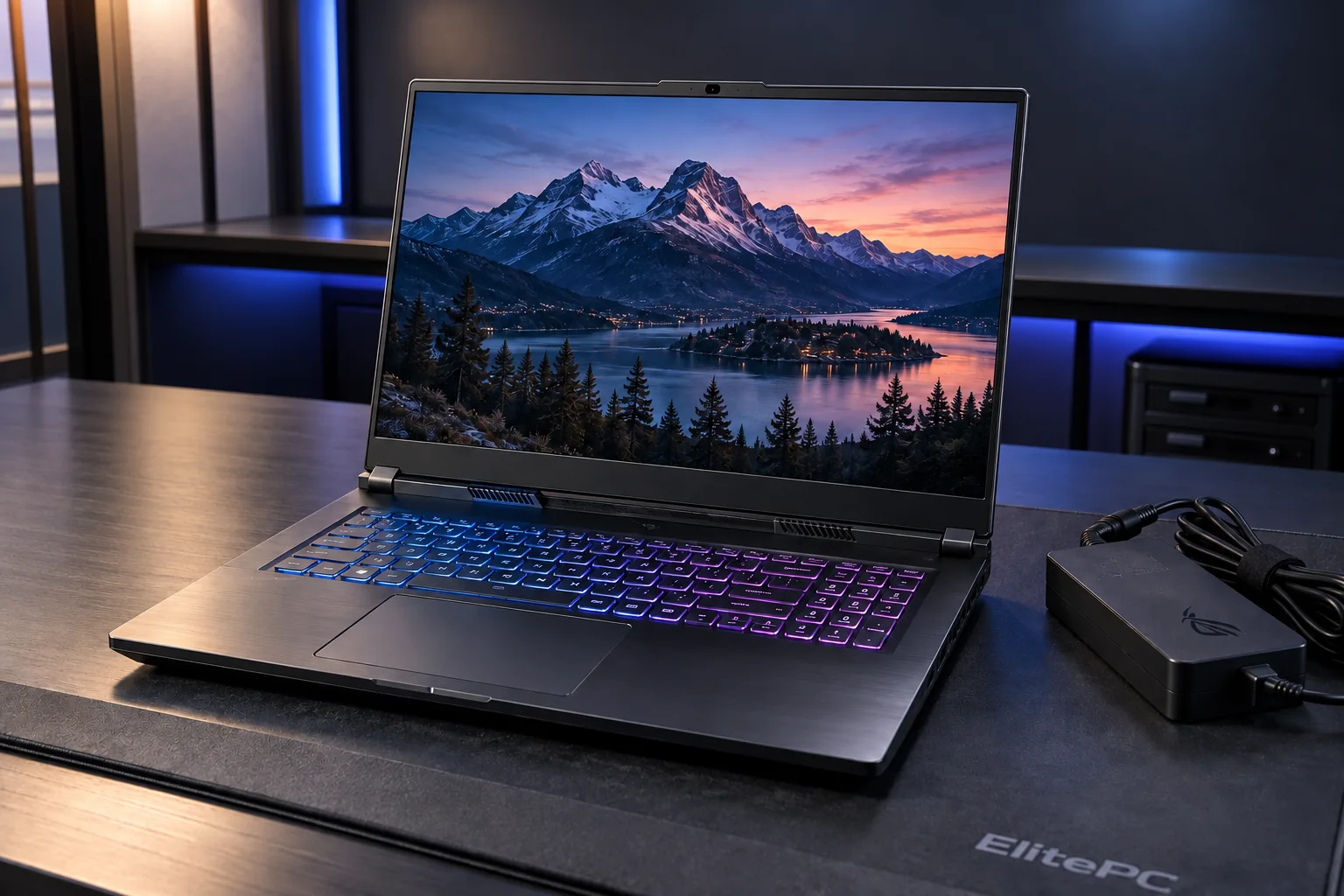
A laptop’s screen, power and cooling share one compact chassis.
Desktop
Desktop Parts & Upgrade Compatibility
Desktop components are often removable, but the motherboard, case, power supply and existing parts affect replacement and upgrade choices. A custom-built PC and a prebuilt system can have different constraints.
Gaming laptop
Gaming Laptop Repair Options for Your Model
A gaming laptop combines its display, keyboard, battery and cooling in one compact chassis. Integrated or soldered parts may limit replacement options.
Cooling work repairs or restores the system designed for that model; it is not a desktop-style cooling upgrade.
Charging or shutdown faults can behave differently on battery and external power. The laptop model and charger help identify suitable parts and repair options.
Questions About Gaming PC Services
Can I Ask for Help If I Don’t Know the Fault or My PC’s Specifications?
Yes. Tell us whether you have a desktop or gaming laptop and describe what happens or what you want to improve. Model and parts details help if you know them, but you do not need to diagnose the problem or open the computer before asking.
Should I Buy Replacement or Upgrade Parts Before Contacting You?
Start with the symptoms or your goal and send any parts list you already have. Fault assessment or a compatibility check can help you avoid buying the wrong part. For a new custom build, you buy the parts; we help choose a compatible list and assemble the PC. Send the list before buying more.
Can You Help Remotely, or Does the Computer Need Hands-On Service?
Some software work may suit remote support; physical hardware and cooling repairs need hands-on service. Tell us the task and whether the computer starts so we can discuss the appropriate next step.
Does Submitting a Request Book an Appointment?
No. ElitePC reviews your request and contacts you before any appointment or work is confirmed. Wait for confirmation before bringing the computer in. Keep passwords and other sensitive information out of the request.
ElitePC, Garfield NJ
Gaming Computer Help in Garfield
Tell us what’s happening or what you want your next computer to do. A plain description is enough to start.
ElitePC serves gaming computer customers in Garfield and North Jersey, including Bergen and Passaic counties. Requests are reviewed before an appointment or work is confirmed.
Send a service request with the details you know. We’ll discuss the options, any parts needed and what the work includes before confirming an appointment.
What to Include in Your Request
Your system and symptoms
Desktop or gaming laptop; what happens, when it started and any error message. Model or specifications are helpful if you know them.
The games, goals and recent changes
Include the games or applications involved, recent part or software changes, and what you want to improve. For upgrades or a new build, add your budget, priorities and any parts you already own or plan to buy.
Your location and contact preference
Add your service ZIP code and how you prefer to be contacted. Keep passwords and other sensitive information out of the request.
Wait for confirmation before drop-off.
We’ll discuss your request and confirm arrangements before you bring the computer in.
You don’t need a diagnosis to start.
Describe the problem. Or tell us what you’re planning.